phelgo


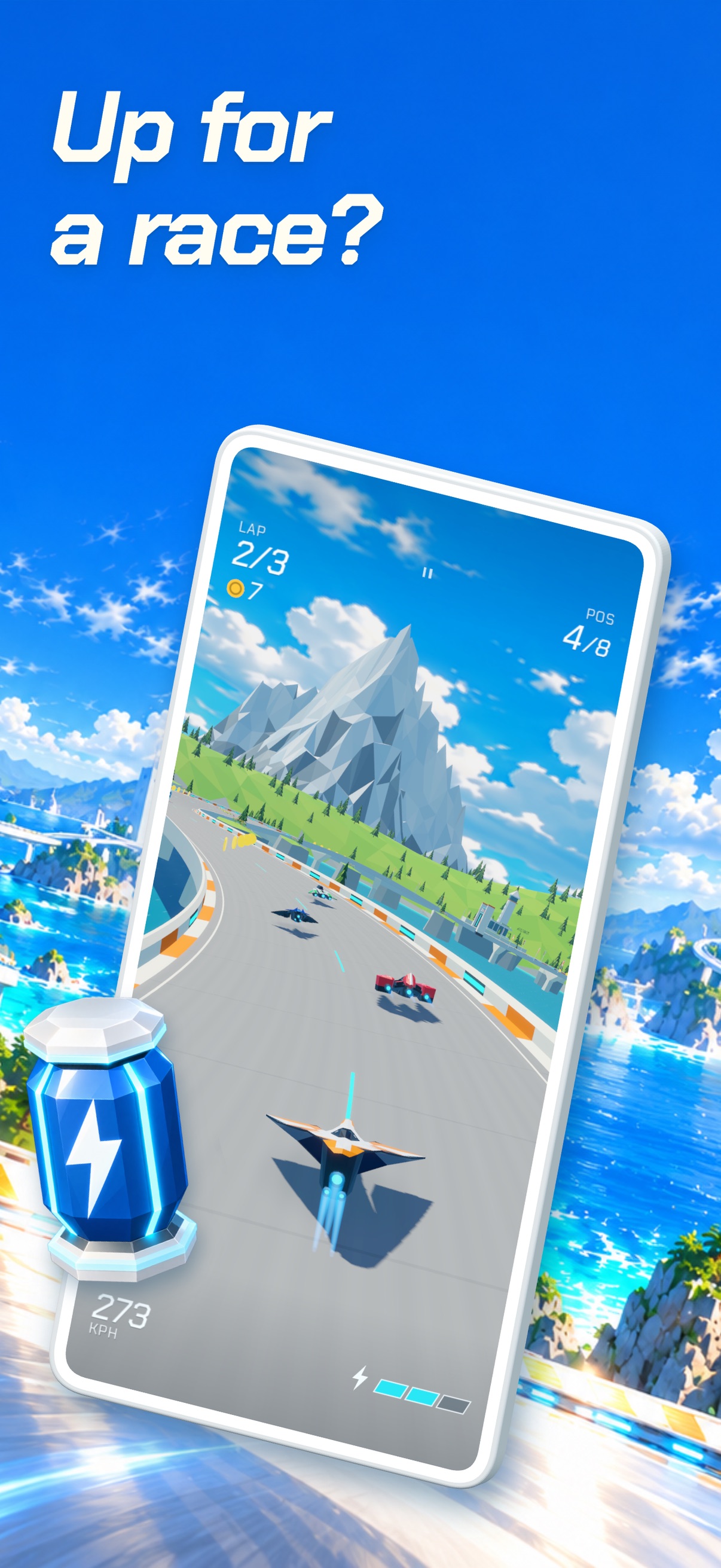
Up for a race?
A fun antigravity racer for iPhone and iPad. Race your rivals on fast-paced tracks, find your favourite world, and try for first place.



 Ephemeral.
A little room
to make some noise.
A playful music maker for iPhone and iPad.
Follow the feeling.
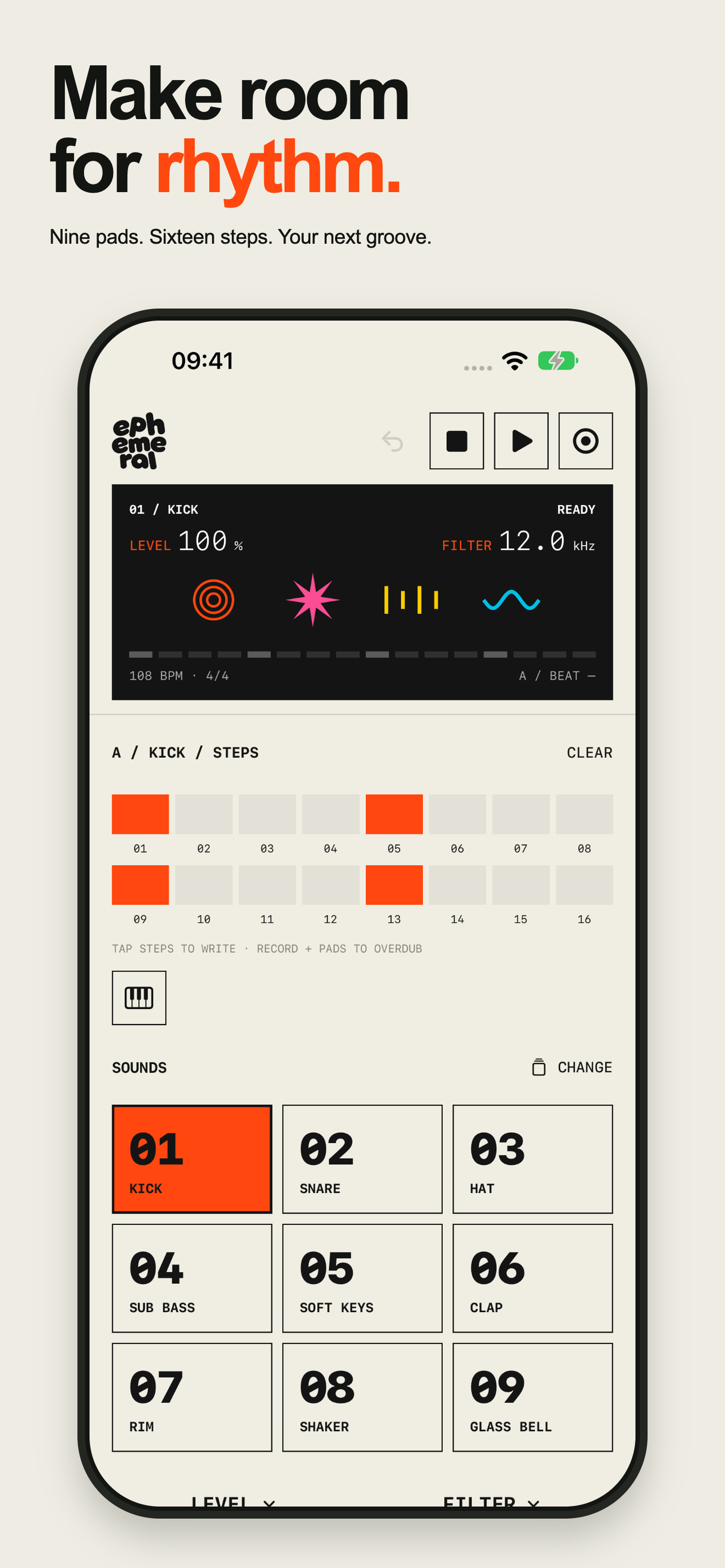
Tap a pad to hear it, then fill in the steps to build a beat.
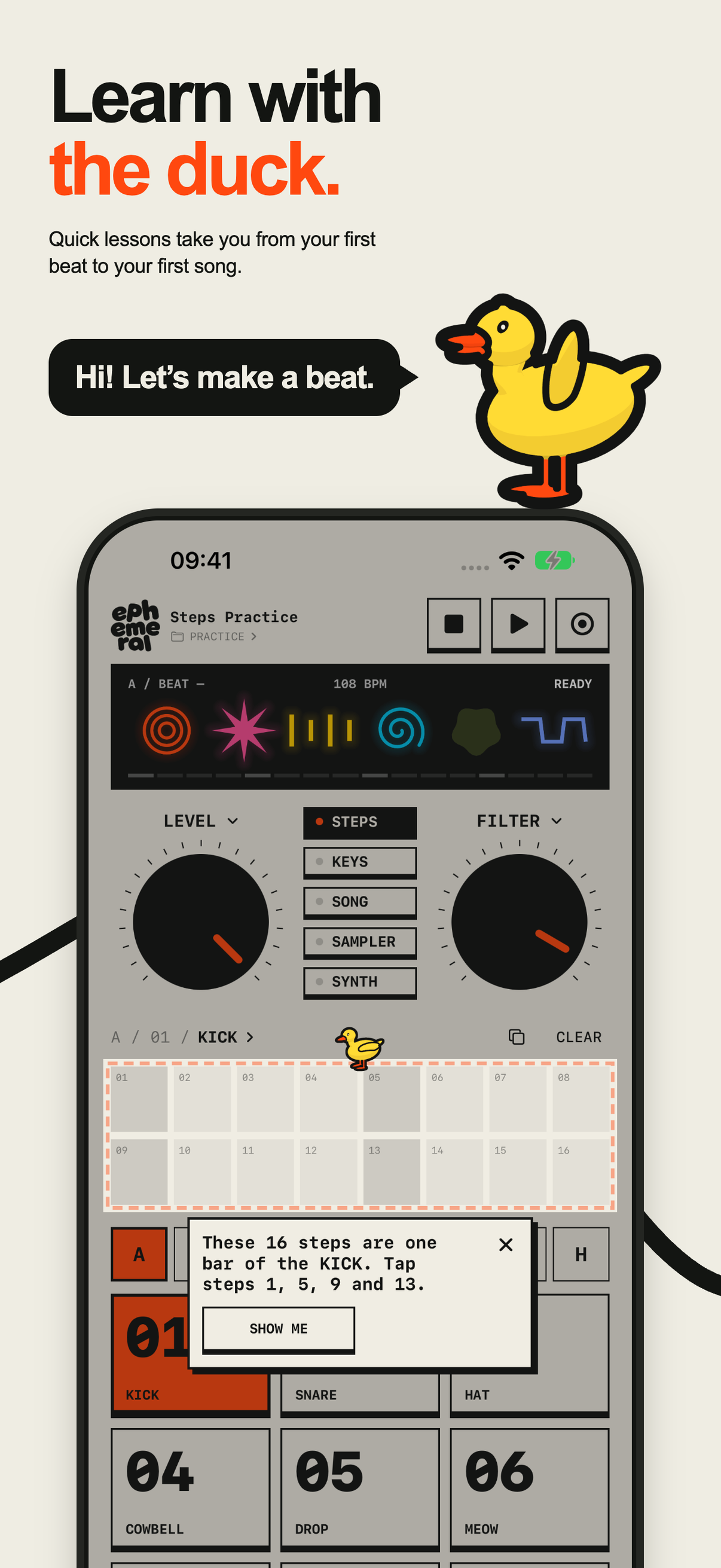
The duck shows you around, one mode at a time.
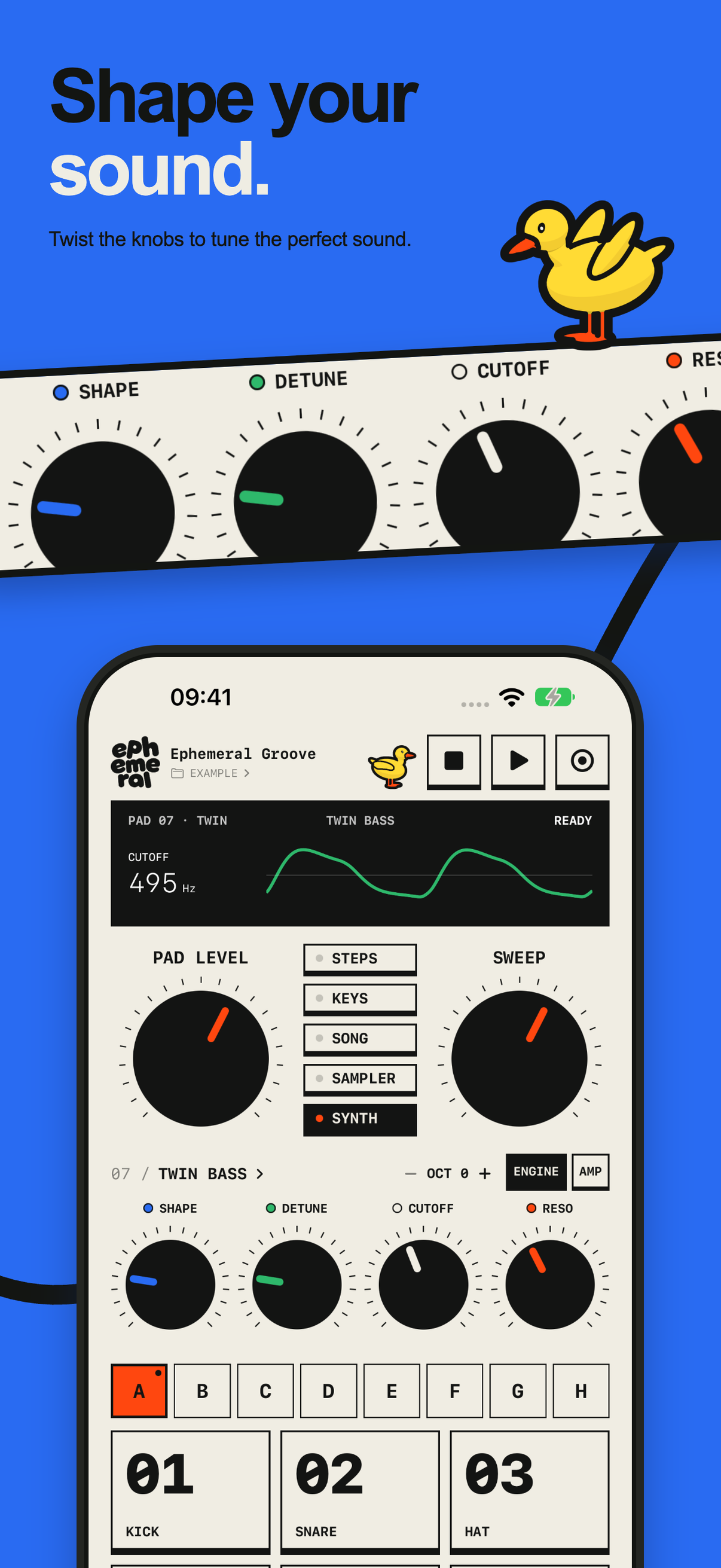
Turn the knobs on Twin Synth, then play your sound on the pads and keys.
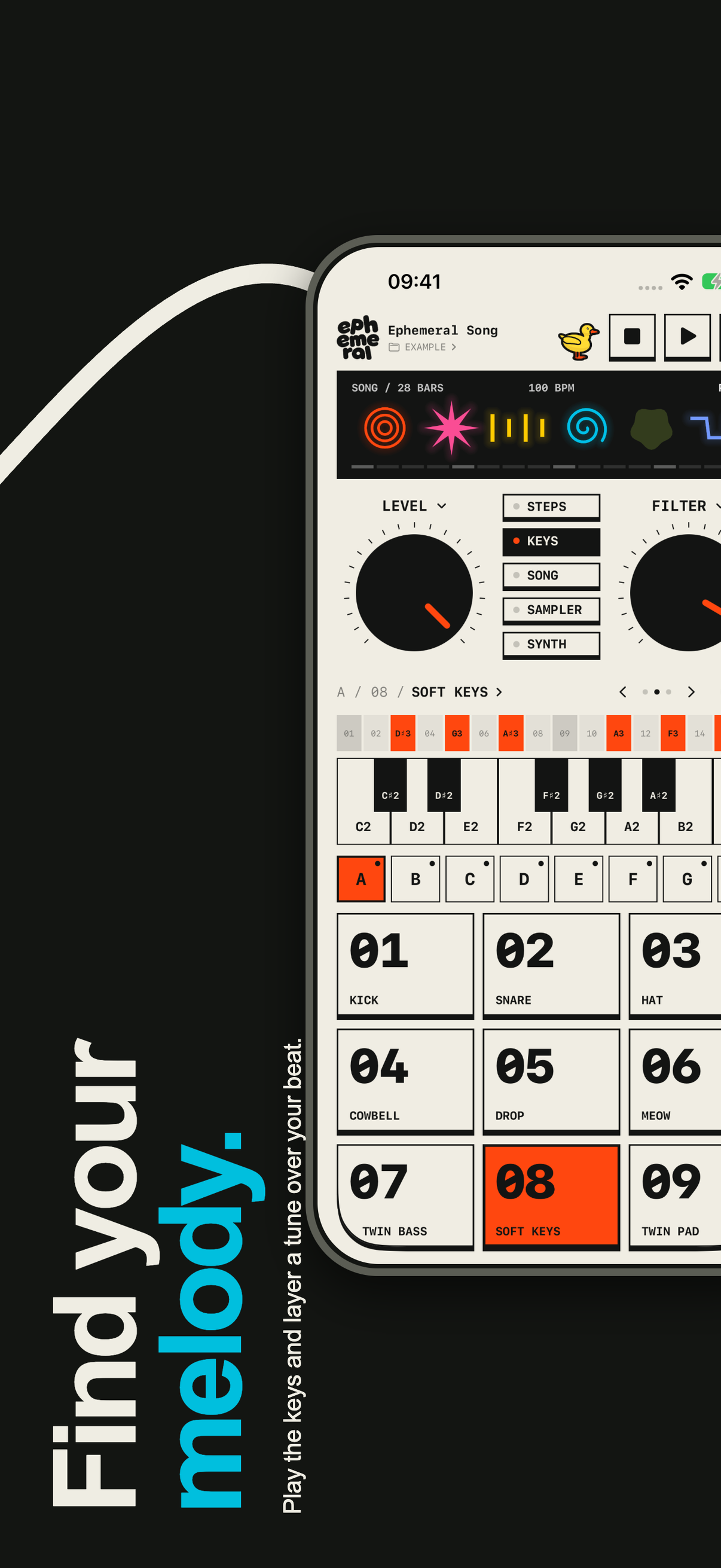
Play the keys live or place notes in the sequencer, right over your beat.
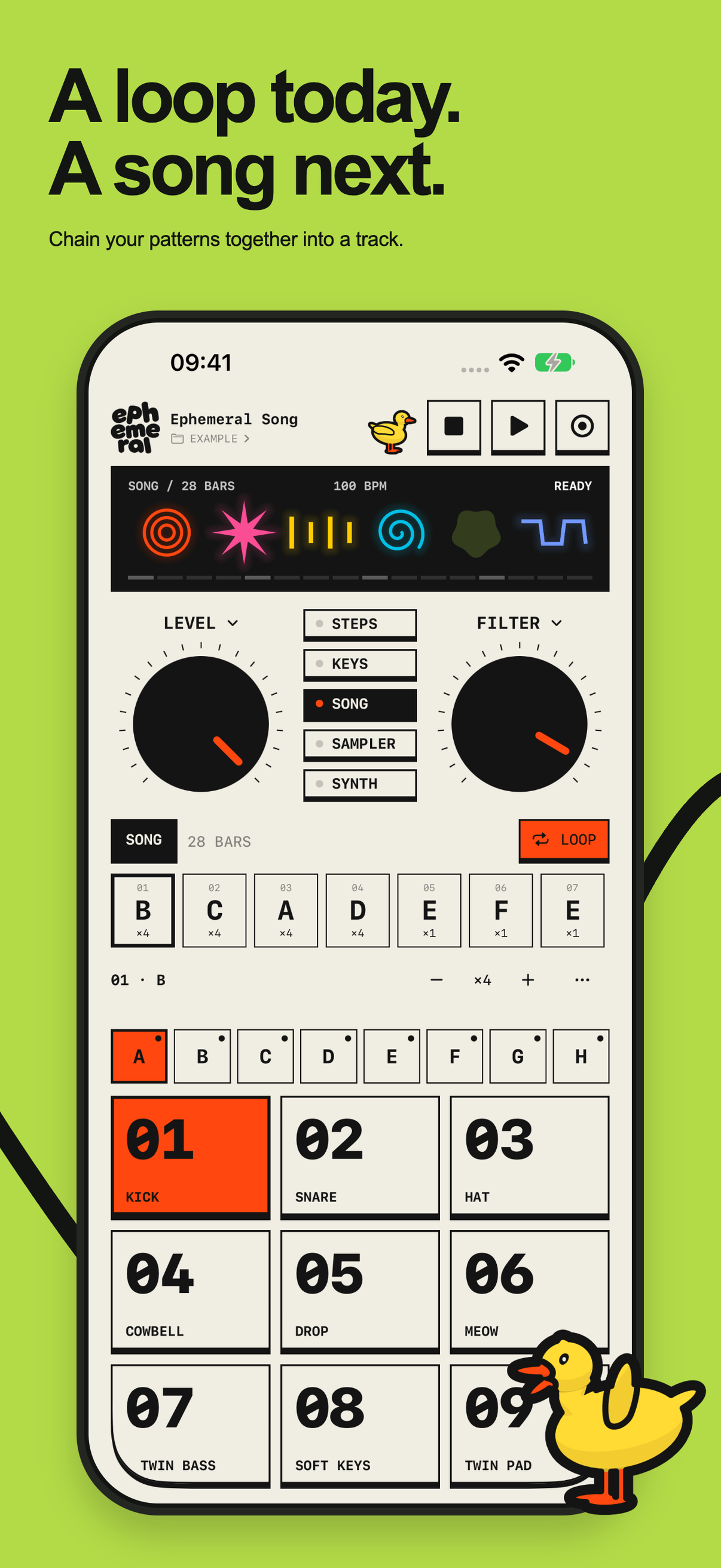
Put your patterns in order to turn a loop into a whole track.
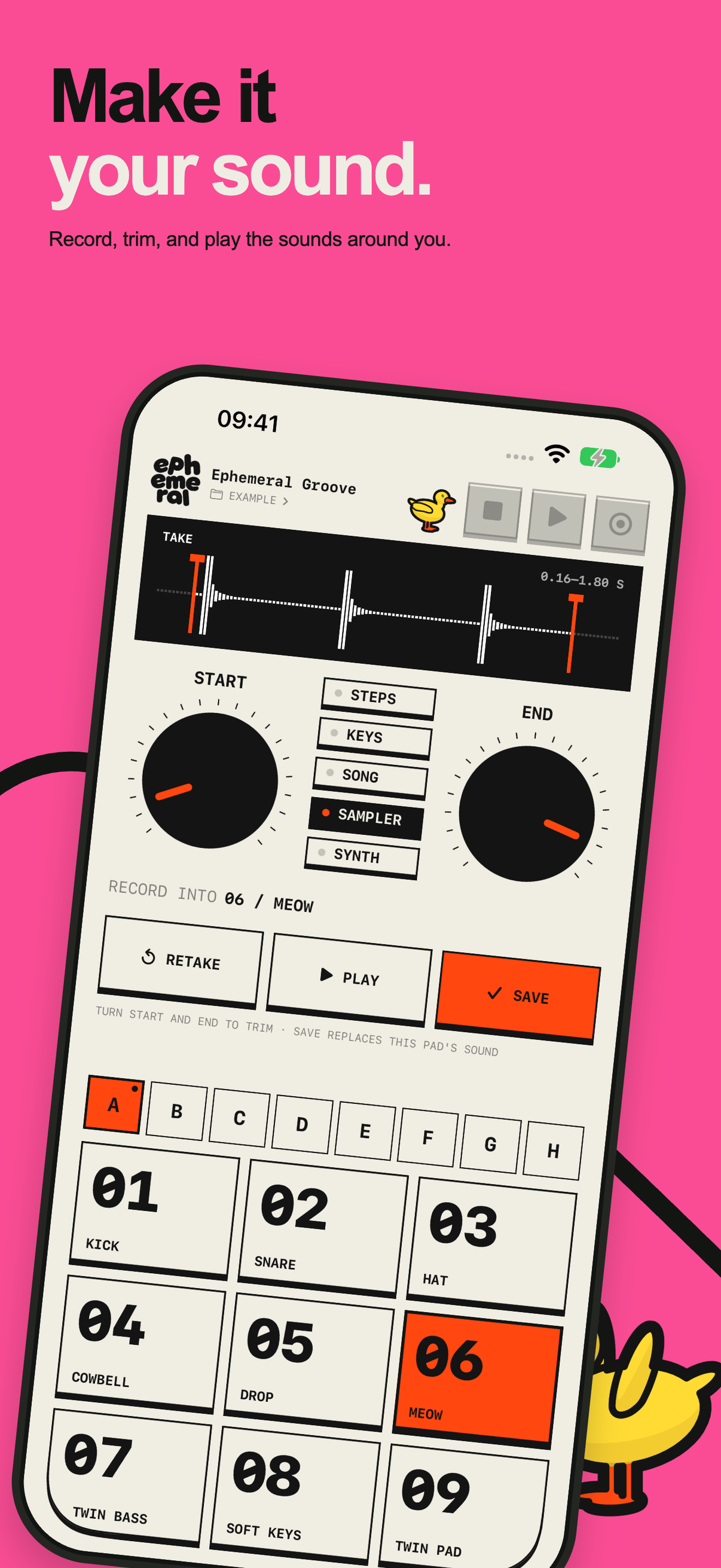
Record a sound, trim it, and play it like any other pad.
Room to play
Start with a tap.
Stay for the groove.
Drums, bass, keys, a synth, and your own recordings, all in one small app.
- Sounds made for Ephemeral
- Put any sound on any pad, from a punchy kick to soft keys and glass bells.
- Your own samples
- Record a sound, trim it, and play it across your pads and keys.
- Twin Synth
- Turn the knobs to shape a synth sound, then play it like any other pad.
- Lessons with the duck
- Short lessons walk you through each mode. If you’re not sure where to begin, the duck can start a beat for you.
- From pattern to song
- Play notes live or place them in the sequencer, then copy patterns and chain them into a song.
- Saved as you go
- Projects save automatically on your device, so you can pick up where you left off.